Your gig, your part, your music.
Gig details, private practice, and music onstage.

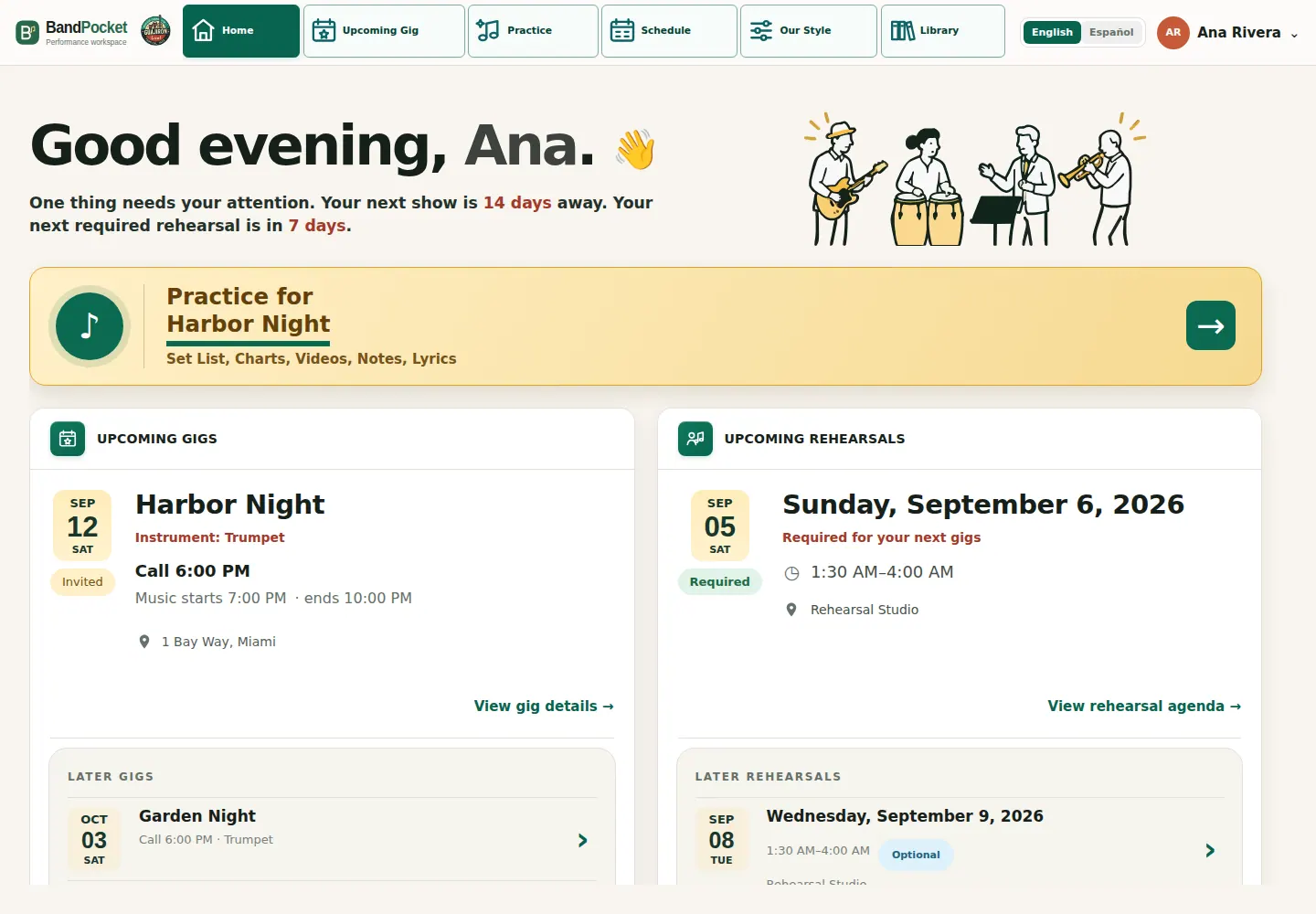
Know your gig.
Check your assigned role and invitation response. Your role may differ from your usual instrument.
Find call, soundcheck, and show times, venue, map, and required or optional rehearsals, plus available flyer and ticket links.
After the show, find private feedback, shared lessons, and open tasks.
Practice your set.
Follow set order and exact keys with charts or lyrics, available arrangement videos, notes, and Style Guide.
Assignments use the band’s instrument setup and approved alternatives. Missing parts are identified.
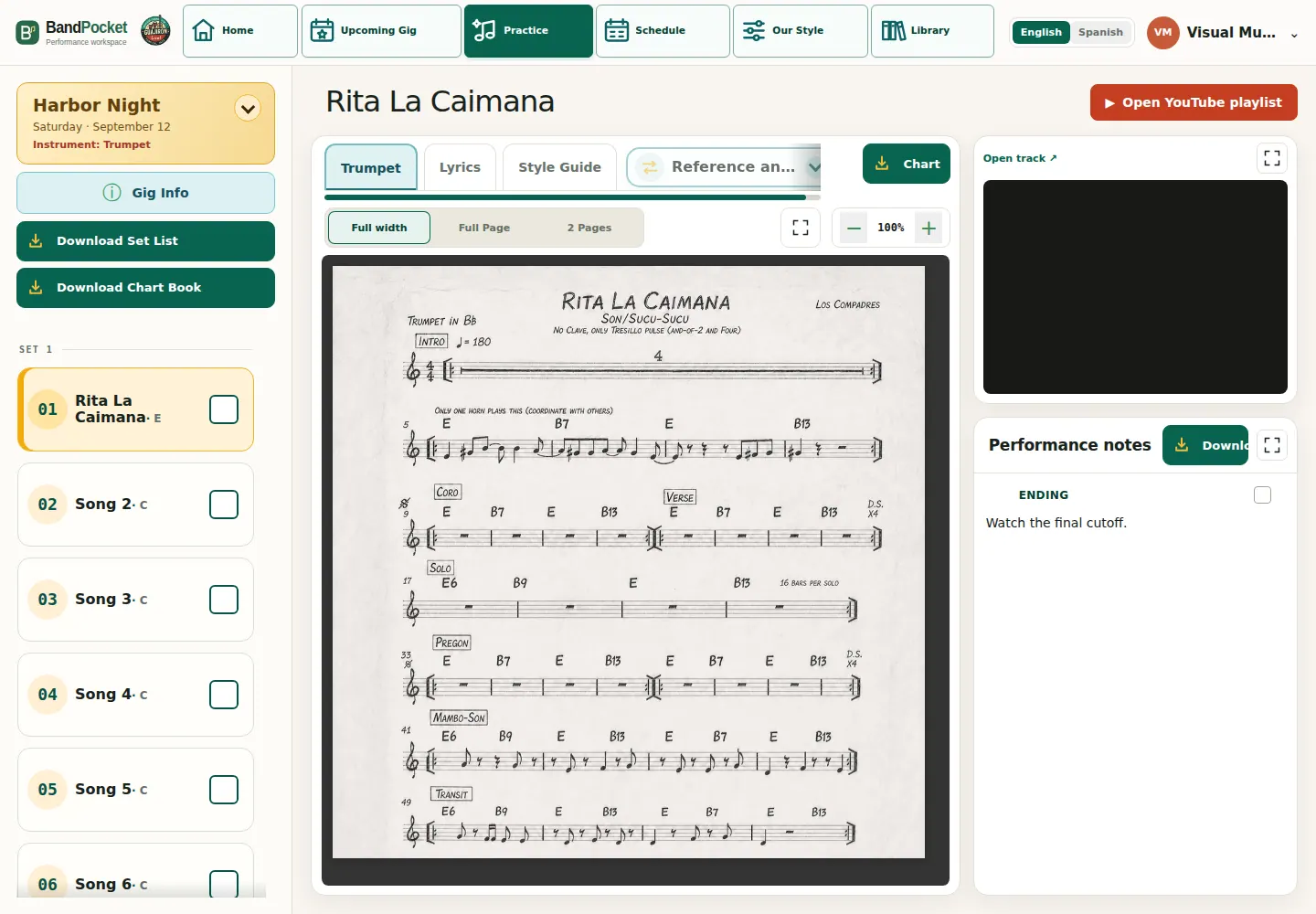
Prepare your way.
Instrumentalists
View other instruments’ parts for reference without changing your assignment.
Singers
Use lyrics and available vocal charts. Missing vocal charts are identified; lyrics don’t replace them.
Chart or video first
Both stay in the same song view.
Guajirón musicians can prepare before rehearsal and bring questions about cues, feel, and arrangements.
Stage Mode: focus on the song.
Open Stage Mode from your phone or tablet, and have your charts and lyrics in order while on stage.
View gig charts or lyrics. Swipe between songs on an upright phone; arrows and the picker work in either orientation.
Download your Chart Book PDF.
Download before the show; the PDF follows set order and exact keys. Singers can download lyrics alone or with available vocal charts.
