One performance prepares the next.
Keep planning, music, performance, and feedback connected in BandPocket.

Plan the gig
Keep gig times, venue details, tickets, artwork, and sharing choices together.
Build the lineup
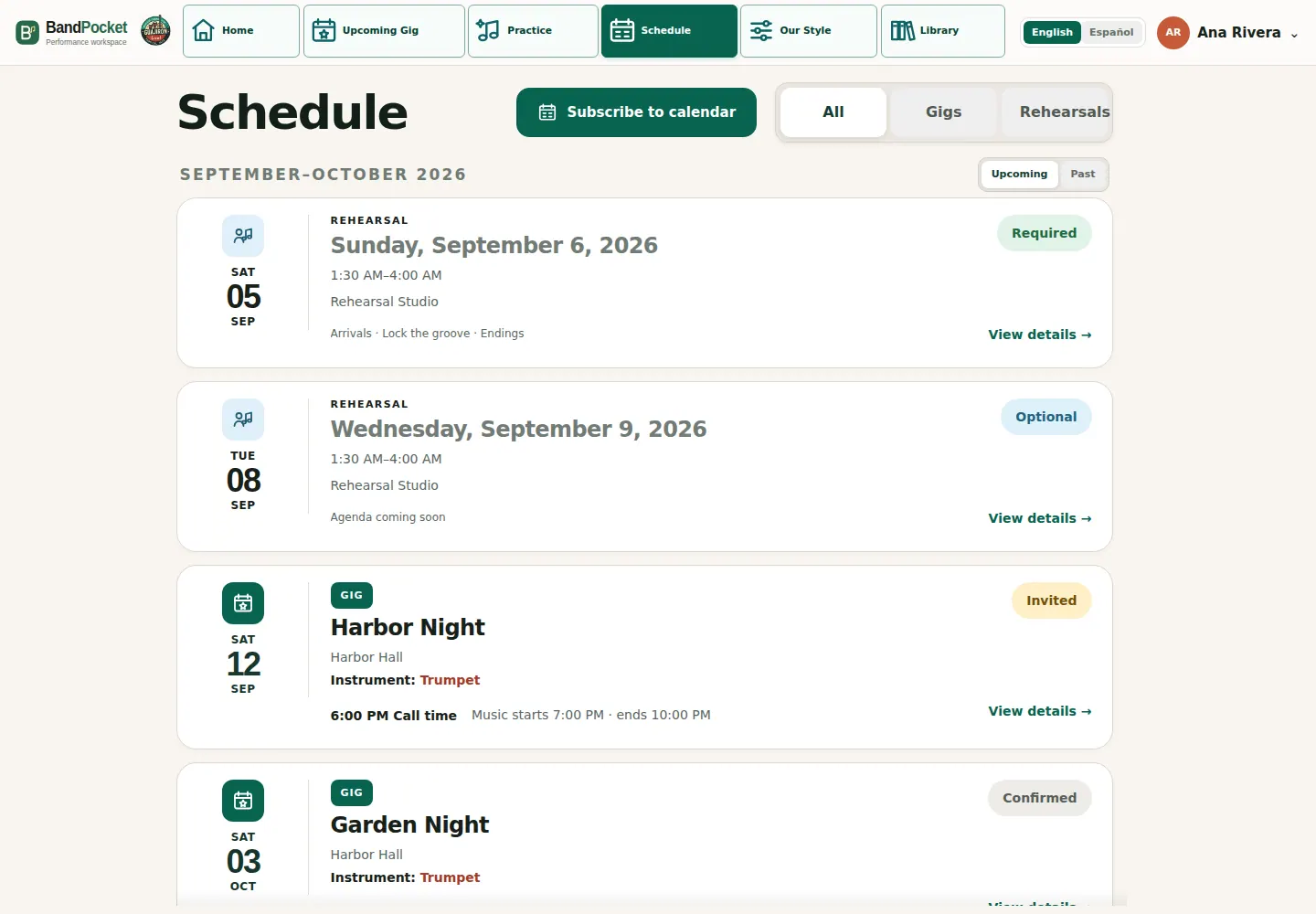
Check availability and assign roles, including guests and substitutes. See responses, missing roles, and conflicts; players see their assignments and required or optional rehearsals.
Share the plan
Draft invitations, reminders, calendar updates, or digests. The leader approves content and recipients before players receive details for their role in their chosen language.
Prepare the music
Build or copy a set using the catalog’s exact keys. Add breaks, cues, and arrangement notes.
Each player gets the available parts, lyrics, full arrangement video, notes, and Style Guide for their assignment. Practice in set order or download a personalized Chart Book PDF.
Explore PracticeRehearse together
Use a bilingual agenda of songs, sections, and goals to focus the band’s rehearsal.

Perform

Assigned players use Stage Mode for charts or lyrics in set order, with notes nearby. Swipe between songs on a portrait phone, or use arrows and the song picker.
Prepared pages stay available offline while that tab remains open. A downloaded Chart Book is a separate PDF.
Explore Stage ModeReview for next time

Save the gig’s lineup, set, and notes in a stable summary. Turn lessons into action items; players can revisit the show and read personal feedback privately.
Use feedback, instrument notes, Style Guides, and open tasks to plan the next rehearsal without monitoring private practice.
Return to the next gig plan